The Home, Reimagined as an Intelligent System
A unified, predictive experience that transforms how people interact with their environment
Role: As Principal UX Designer, I led the product design vision and experience strategy.
Platform: iOS & Android
Scope: Product strategy, UX architecture, interaction design, design system
Problem Definition
The Challenge: In a fragmented market of smart home devices, users were suffering from "app fatigue" and manual over-management. The goal was to pivot Sendal from a "remote control app" to an autonomous, ML-driven ecosystem that anticipates user needs.
The Impact: Reduced manual device interactions by 40% and increased "Set-and-Forget" automation adoption by 65% within the first 6 months.
Problem Reframing
Instead of designing around devices, we reframed the experience around how people think about their homes.
Users don’t think:
“Turn on device #12”
They think:
“Turn on the living room lights.”
This insight led to a fundamental shift in the product model. The home became the primary interface. Devices became secondary.


Deep Dive:
To understand real smart home behaviors, we conducted qualitative and evaluative research.
The Conflict: Engineering wanted to expose all sensor data to the user for "transparency." Product wanted a "one-click" setup.
My Decision: I advocated for a "Human-in-the-Loop" model. We would automate 90% of tasks but use "Just-in-Time" notifications for the 10% of high-consequence actions (e.g., locking doors or adjusting heat).
Why this was "Principal" work: I didn't just design a screen; I designed the logic of the notification engine to prevent notification fatigue.
We analyzed existing platforms including ecosystems like Alarm.com, Savant, Control 4, Google Nest and Amazon Alexa to understand common interaction patterns and shortcomings.
Key Insights
Homes are spatial, not technical
Users mentally organize devices by rooms, not device types.
Automation must feel natural
Many users wanted automation but felt intimidated by rule-based systems.
Status matters more than control
Before users take action, they want to understand the current state of their home. Users mentally organize devices by rooms, not device types.
Experience Model
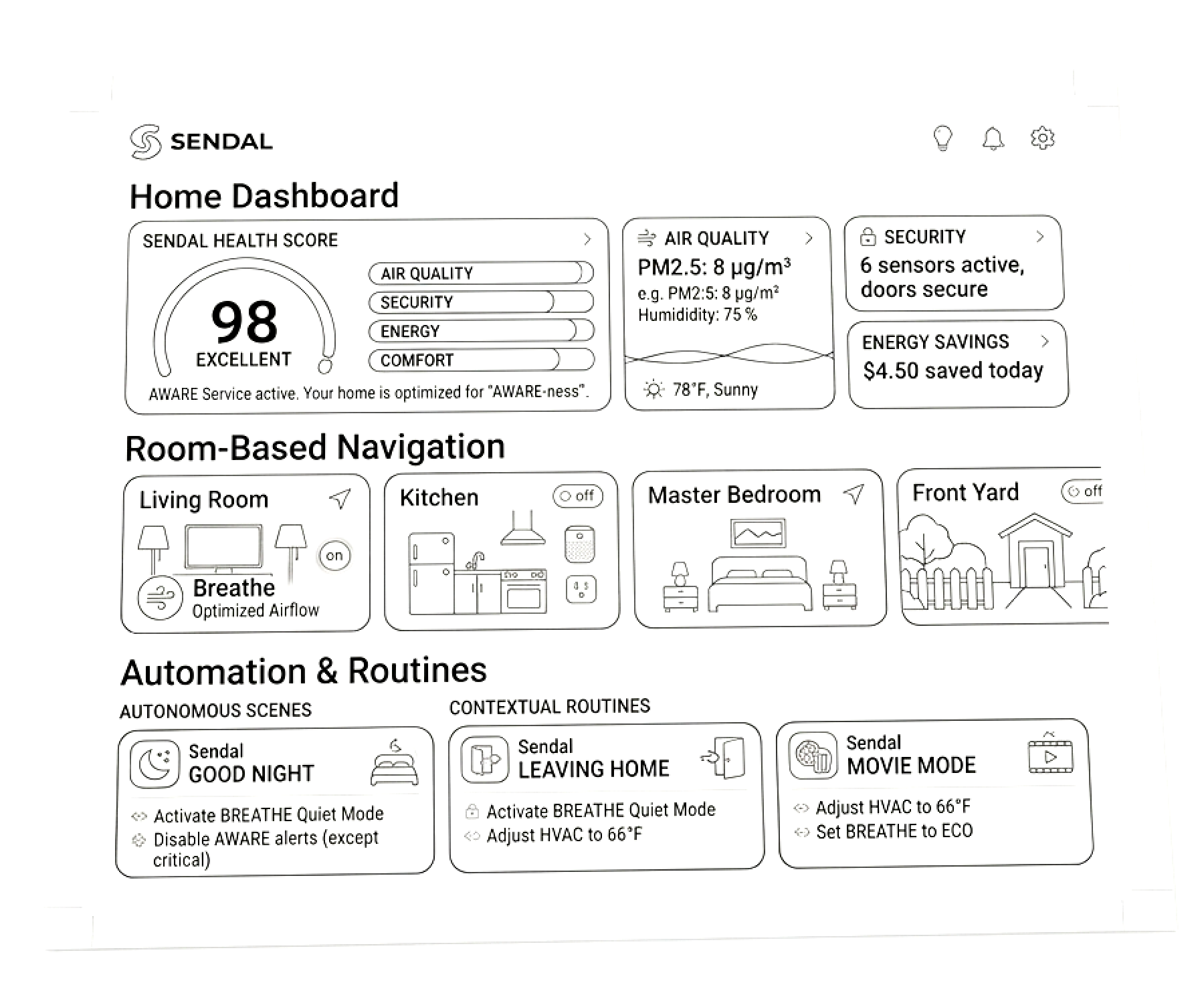
We redesigned the platform around three core layers.
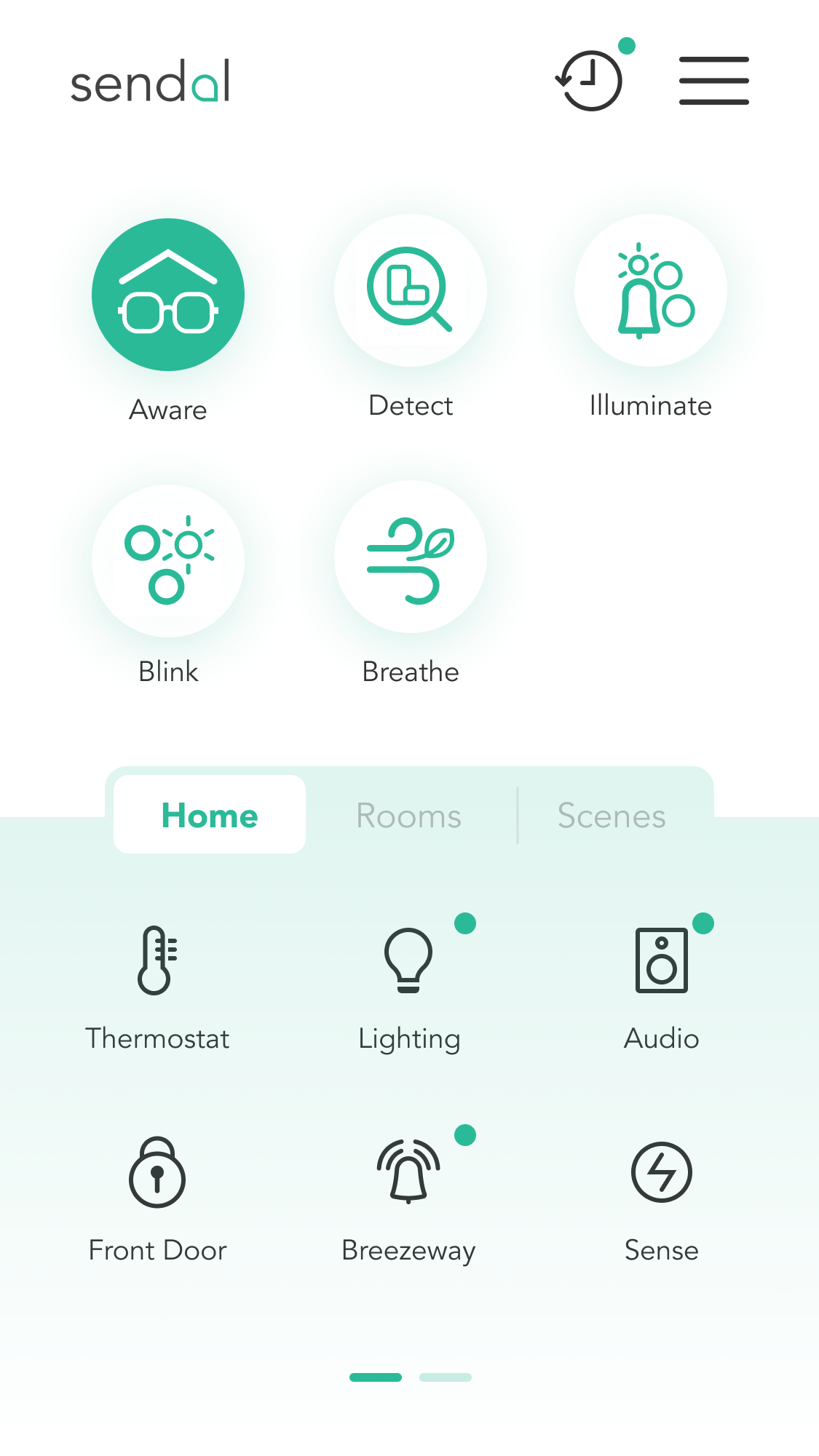
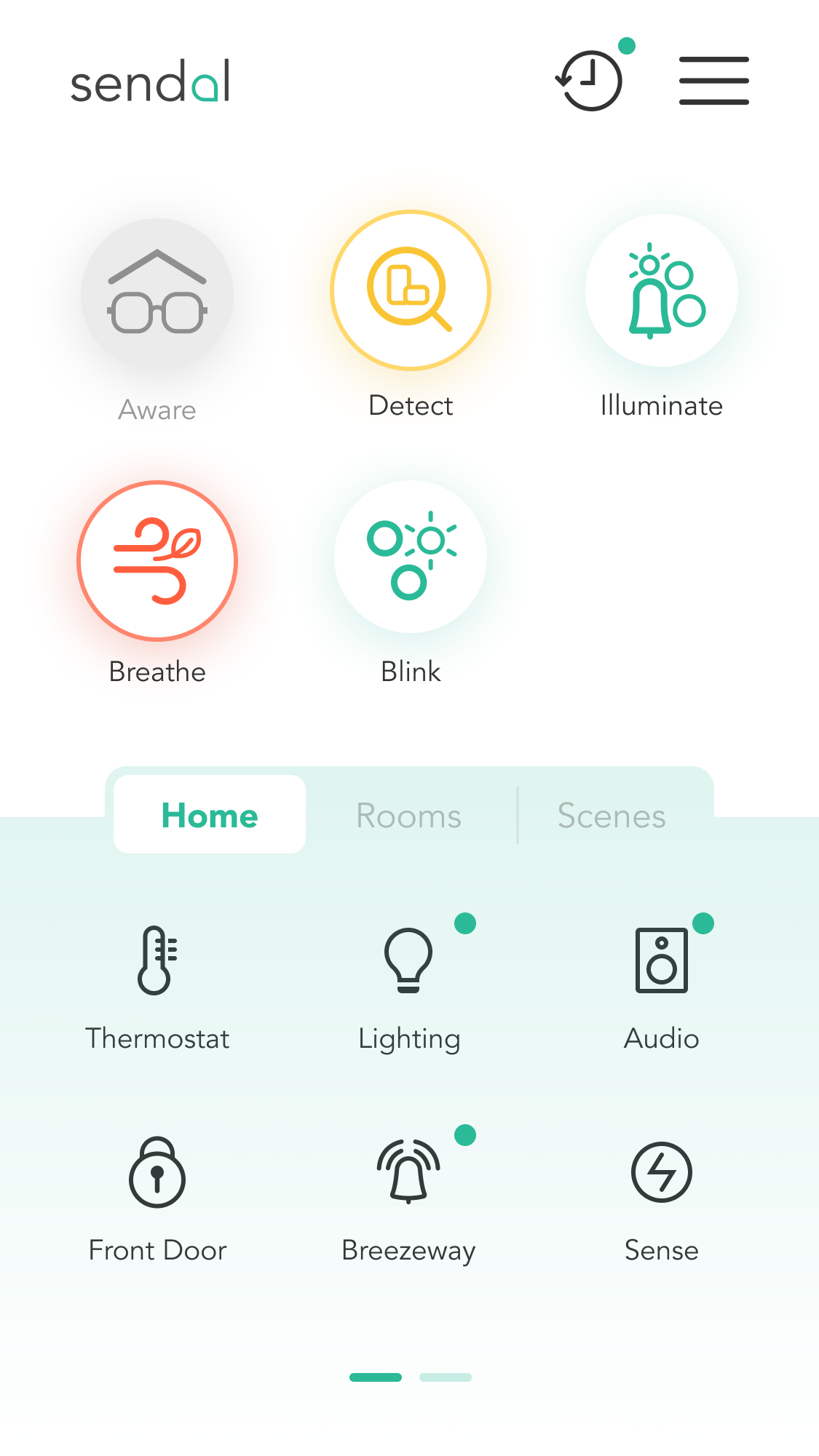
Home Dashboard
A high-level overview of the entire home.
Users can immediately see:
• active devices
• security alerts
• environmental changes
Room-Based Navigation
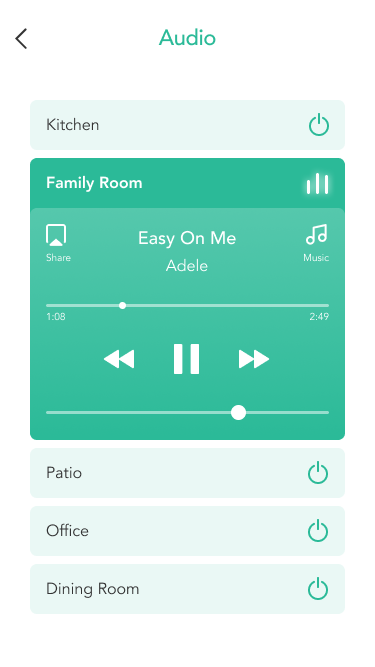
Instead of device categories, devices are grouped by rooms.
This aligns the product with the user's mental model of their home.
Automation & Routines
Users can create contextual routines such as:
• “Good Night”
• “Leaving Home”
• “Movie Mode”as
One of the most important design challenges was balancing speed with depth.
Users needed to perform quick actions like:
• turning lights on
• adjusting temperature
• locking doors
But they also needed access to more complex configurations.
The solution was a progressive interaction model.
Quick interaction: Tap-based controls from the dashboard.
Advanced control: Deeper device settings accessible through contextual panels.
Automation Without Complexity
Traditional smart home automation relies on rule-based logic that feels technical. Instead of forcing users to build automation rules from scratch, we introduced scenario-based routines.
For example:
Leaving Home
• Turn off lights
• Lock doors
• Activate security cameras
Users simply choose the scenario, and the system handles the complexity.
Design System
To support scalability, I introduced a modular design system. The system also allowed engineering teams to rapidly introduce support for new device types.
Designing the Interaction System
Cross-Functional Collaboration
One of the biggest challenges was aligning multiple teams around a shared product vision. "I partnered with Data Science to refine the ML triggers and worked with Engineering to build a modular Design System that reduced front-end dev time by 30%."
I worked closely with:
• Product managers to define feature prioritization
• Engineers to ensure device integrations were feasible
• Stakeholders to align roadmap strategy
Design artifacts such as system maps and journey flows helped create alignment across teams.
Prototyping & Validation
High-fidelity prototypes were tested with real users.
Testing goals
• Validate navigation clarity
• Measure automation setup success
• Evaluate system status visibility

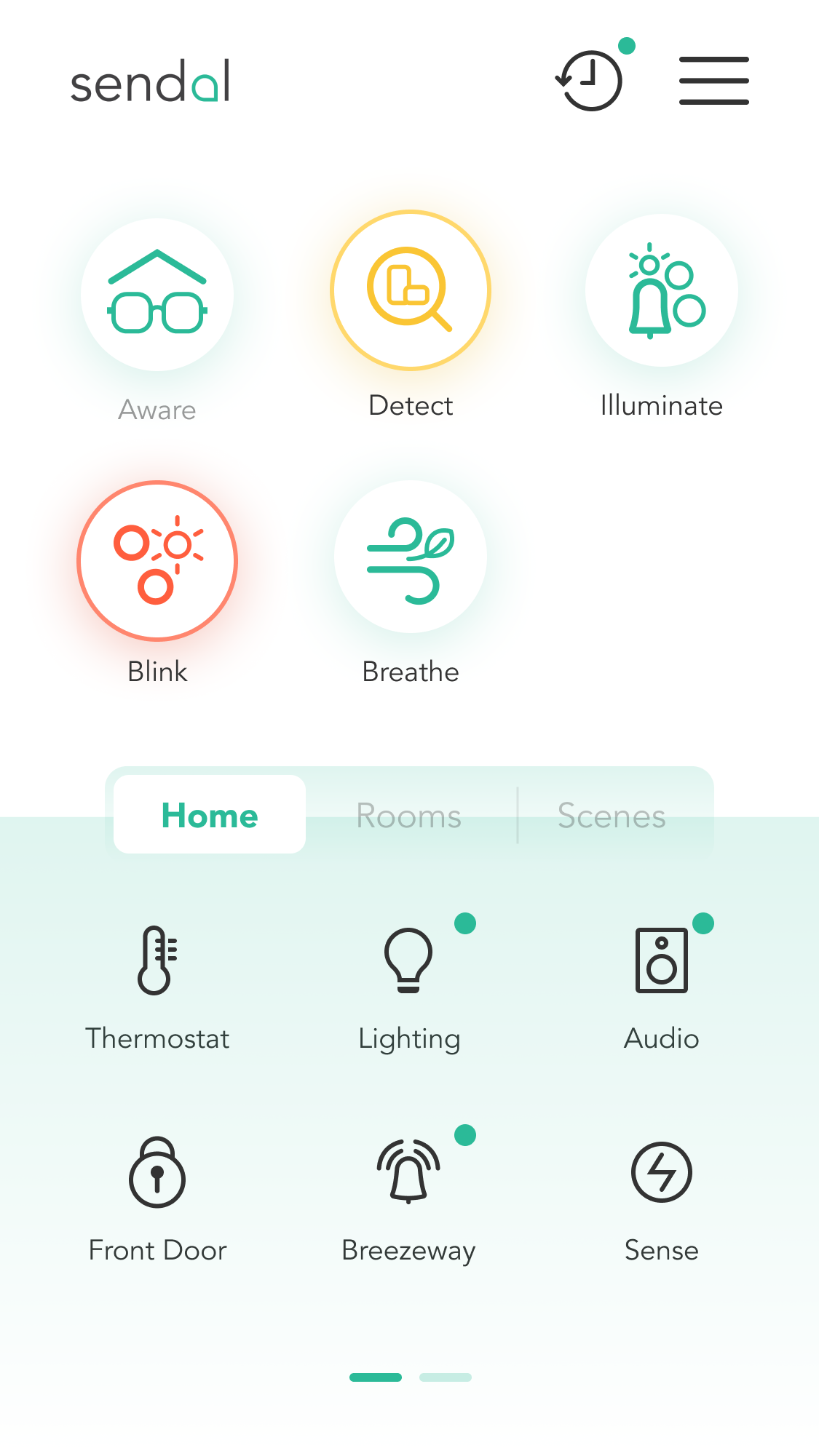
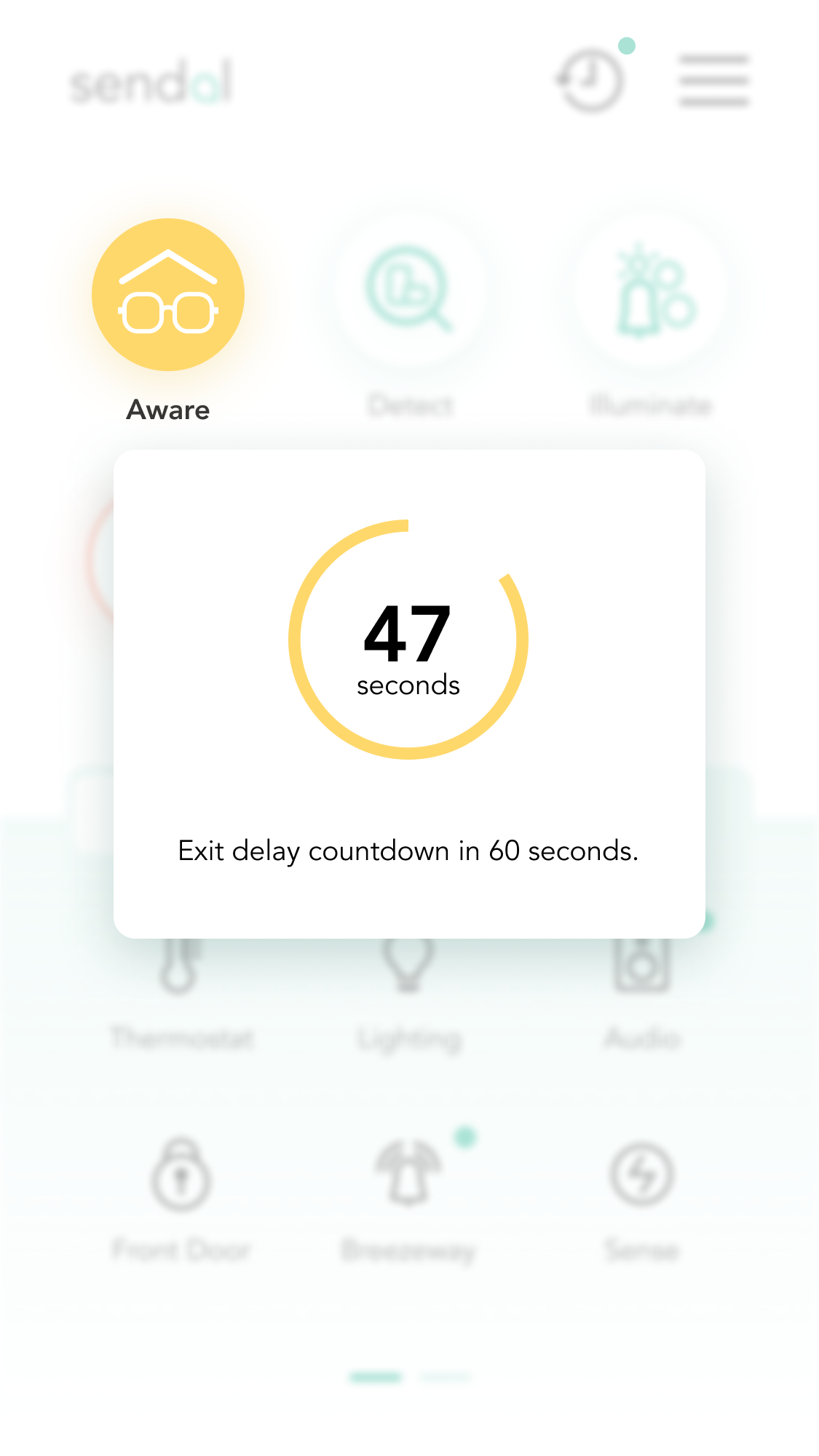
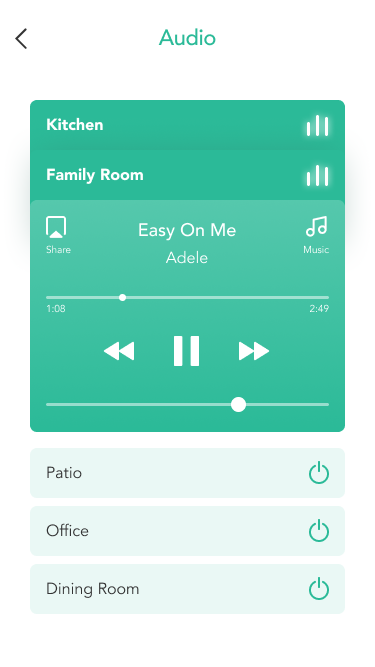
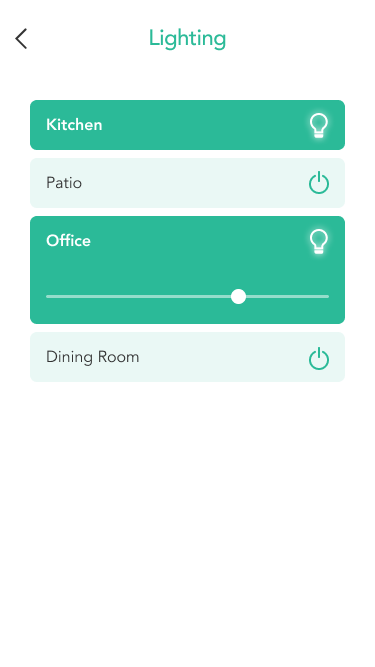
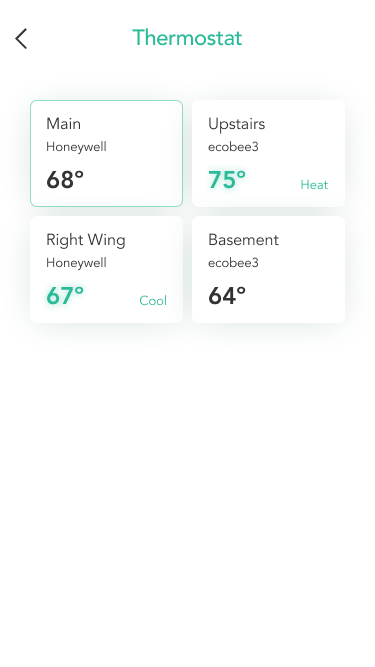
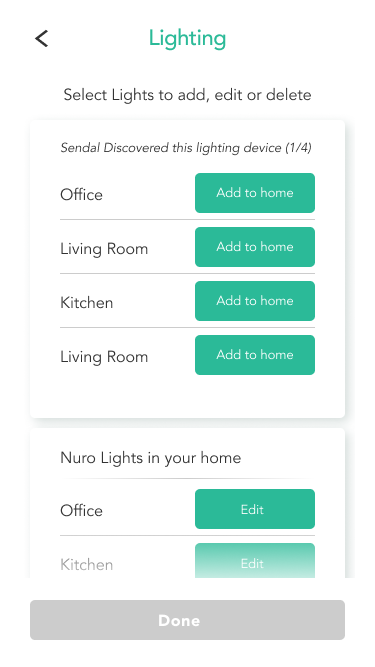
After understanding the user needs we had to pivot to re branding so experience and feel of the app is lightweight and zen for the user.









Key Improvements from Testing
We made several important iterations.
Simplified onboarding: Device setup steps were reduced to minimize friction.
Improved system status: The dashboard was redesigned to provide clearer home visibility.
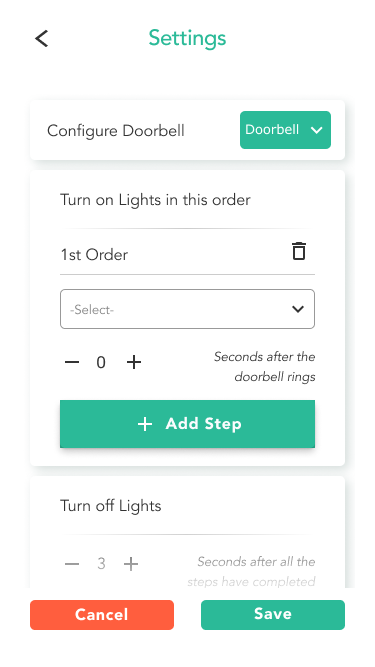
Automation clarity: Automation creation flows were simplified using visual step builders.
Impact
The redesigned experience significantly improved usability and product scalability.
Key outcomes
• Reduced device onboarding friction
• Increased automation adoption
• Improved system visibility across the home
• Established a scalable design foundation
The design system also accelerated collaboration between design and engineering teams.
How would I improve
Add a speech Assistant
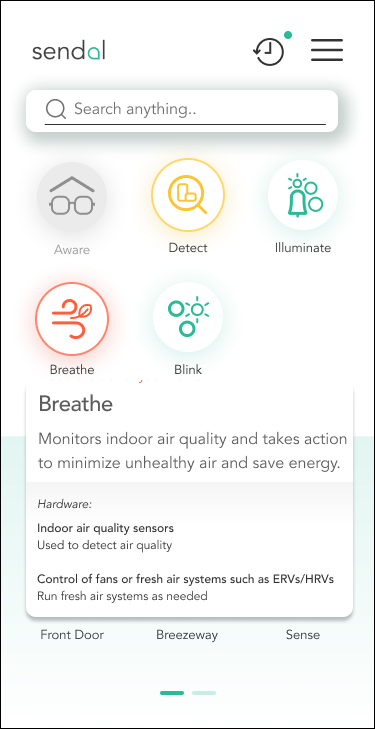
Add an info pop-up
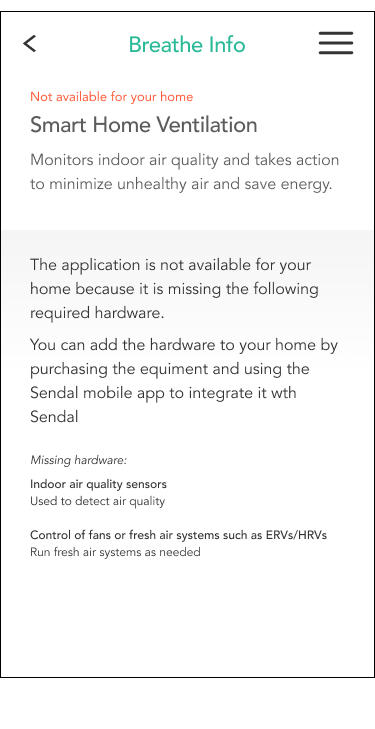
Add an info screen for specific component
The Reflection: "If I were to do this again, I would have pushed for earlier A/B testing on the 'autonomous' vs 'manual' modes to gather more quantitative friction data."